You’ll have seen the headlines. Reports suggest that many more UK individuals will soon face Making Tax Digital (MTD) requirements for income tax. For many firms, MTD compliance for accountants now means a wider mix of sole traders and landlords, more digital records to keep current, and more HMRC touchpoints before a tax return is finalised. Another wave of clients to onboard, and another raft of records to reconcile.
If you’re an accountant or client manager at an accountancy firm, this isn’t just industry news. It’s a direct challenge to how you manage your portfolio—and an opportunity to rethink your workflow, before small inefficiencies become big ones at scale.
MTD compliance: accountant expectations
The direction is clear. More taxpayers are expected to fall under MTD. For your accountancy firm, that is not an abstract change. It means more clients expecting accurate, regular reporting; more HMRC deadlines to hit; more records to clean up when an upload is missing a handful of crucial receipts.
But the external requirement is just the start. As an Accountant / Client Manager, you know the real pain points begin with data quality and completeness. Advice only works if the numbers do.
The practical challenge is not just that MTD exists; it is that Making Tax Digital changes the cadence of client work. With Making Tax Digital for VAT, firms have already seen how digital records can affect the VAT return process, especially when invoices arrive late or receipts sit outside the bookkeeping system. MTD for VAT made digital record-keeping a day-to-day operational issue, not just a year-end tidy-up.
MTD for Income Tax brings the same pressure into personal tax portfolios, including sole traders and landlords with qualifying income. When clients hear “quarterly update”, they may assume the process is simply a software task. In practice, your team still needs income and expense evidence, a clean digital record for each transaction, and enough consistency to support the Self Assessment tax return at the end of the tax year.
Where MTD applies, the question for the firm becomes simple: can you maintain digital records across more clients without creating more manual chasing? The answer depends less on any single deadline and more on whether the client’s digital system captures source documents reliably before HMRC reporting work begins.
Where practice friction really lives
You’ve heard it a hundred times: “I thought I sent over everything.” Or perhaps what’s worse—“It didn’t seem urgent, so I’ll get it to you next week.”
The result? You’re about to review last quarter’s books and discover yet another folder of invoices tucked away in a client’s inbox, or a shoebox of receipts that never made it off WhatsApp. Time that should go into analysis or client conversations instead gets funnelled into chasing missing transactions, fixing mislabelled entries, and reconciling inconsistencies.
It’s the invisible work—rework, duplication, second-guessing. No firm bills for it, but it drags on turnaround time and erodes your ability to advise with confidence.
Consider this illustrative example: You’re handling a portfolio of 60 MTD clients. Each one, on average, misses 2 invoices and 3 receipts per quarter. That’s 300 pieces of missing data, every three months. If it takes just four minutes to identify and chase each item, you’re spending 20 hours a quarter—not advising, not planning, but plugging gaps.
Same fee. Double the work.
It’s not just an MTD issue. It’s the persistent cost of manual bookkeeping in an age of digital expectations.
That friction is sharper when handling MTD clients who are not used to structured bookkeeping. A landlord may keep rent statements in one inbox, repairs receipts in WhatsApp, and insurance documents in a supplier portal. Self-employed individuals and landlords often think their tax affairs are under control because the bank feed is connected, but the supporting digital record is still incomplete.
This is where MTD for accountants becomes a practical service challenge: translating MTD requirements into a routine clients can actually follow. During the transition to MTD, some clients may look for Making Tax Digital accountants or ask whether they need an MTD accountant, but what they usually need first is a repeatable document routine. Clients affected by MTD need to keep digital records, choose software that fits the way they work, and understand that digital record and submission processes are only as good as the information feeding them. If they are expected to comply with Making Tax Digital, the firm needs source evidence early enough to keep the work manageable. If the firm is left repairing gaps after every quarter, MTD obligations become a capacity problem rather than a tax compliance project.
MTD manual entry: the margin eroder
Every incomplete file sets off a sequence. An email to the client, a call to the supplier, time reconciling statements. Maybe a third party has changed how they provide documents (goodbye simple PDFs, hello password-protected portals). However it happens, you’re left working around the system rather than inside it.
Clean data should be the baseline, not the exception. But when you rely on clients to forward emails or upload receipts, you’re building workflow on hope rather than reliability. Errors compound. Data lags. And suddenly, the only numbers you know for sure are the hours lost to chasing.
Automation at scale: Where AI shifts the baseline
With more taxpayers entering the MTD fold, the old ways don’t scale. Manual data entry isn’t just inefficient—it’s the friction that keeps you from delivering more valuable conversations and advice to your clients. For accountants and client managers at accountancy firms, this is the bottleneck.
Here’s the shift automation brings:
- Invoices and receipts captured as soon as they land—no waiting on clients, no trawling inboxes or WhatsApp threads.
- Consistent entries posted into Xero, QuickBooks or FreshBooks, minimising human error and reducing the need for manual checks.
- The ability to review reliable, up-to-date figures at any point—so you’re steering the financial conversation, not firefighting paperwork.
You already know the value of a clean trial balance. What automation delivers is the consistent groundwork, so you’re not building that from scratch each time. It doesn’t just “save time”—it recovers hours that can be put to client advisory work, not data triage.
For MTD workflow automation to work, it has to start at the point documents are created or received. Data capture for accountants is not simply scanning a receipt at the end of the month; it is making sure invoices, receipts and supporting records reach the ledger before they become a query. That is what makes managing MTD records manageable at portfolio level.
MTD compliance for accountants also requires a clear separation between advisory work and document collection. Your team should be reviewing the digital record, challenging unusual movements, and planning conversations around cash flow, VAT, income tax, corporation tax or tax planning where relevant. They should not be spending hours asking whether a receipt was emailed, photographed, uploaded or forgotten.
A full MTD transition plan therefore needs digital tools that reduce avoidable admin without removing professional judgement. The firm still decides how to interpret the numbers, how to manage tax obligations, and how to support clients who are nervous about digital tax. Automation simply gives the practice cleaner inputs so those decisions are made earlier and with more confidence.
What AccountsPro brings to your workflow
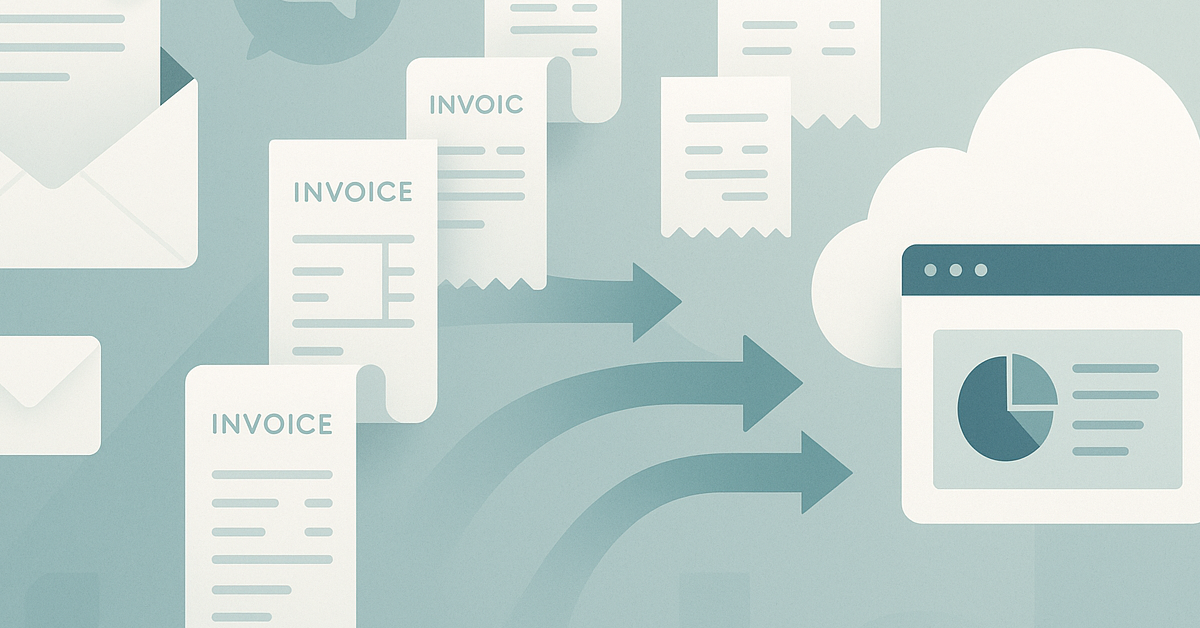
AccountsPro is built for precisely this pain point. As an accountant or client manager at an accountancy firm, you’re familiar with the drain of reconciling scattered records. AccountsPro captures invoices and receipts from your clients’ email, WhatsApp, supplier portals, and bulk uploads, posting them straight into the accounting system—Xero, QuickBooks or FreshBooks.
No hunting for missing attachments. No more sorting through three different file formats. Just clean, consistently formatted transaction entries—every month, every client.
When you’re preparing for a larger MTD workload, automation isn’t a nice-to-have. It’s the only practical path to supporting compliant record-keeping and quality at scale.
See how AccountsPro works for accountancy firms managing MTD workflows at scale
AccountsPro is not MTD software, MTD-compatible software or bridging software, and it does not submit returns, quarterly updates or VAT returns to HMRC. It works alongside your accounting software by capturing the documents that feed the bookkeeping process, so the compatible software you use for client work has better information to work from.
That distinction matters. The accuracy of any MTD tax return process still depends on the quality of the underlying records. If a client wants to meet MTD requirements, they need a reliable way to maintain digital records before the reporting stage. AccountsPro supports that by turning scattered invoices and receipts into consistent entries in Xero, QuickBooks or FreshBooks.
In that sense, AccountsPro works with Making Tax Digital workflows rather than replacing them. It supports Making Tax Digital workflows at the document level: less chasing, fewer missing attachments, and a cleaner digital record for the accountant to review.
Data quality = client trust
The real impact isn’t just the admin you avoid. It’s the level of conversation you can have with clients when you aren’t second-guessing their records. When the records you’re reviewing are complete and up to date, you’re able to shift from “We need your receipts to finish the quarter” to “Here’s your updated cash position and our recommendations.”
It’s a subtle difference. But for your clients, it’s the difference between seeing you as a form-filler and seeing you as a critical adviser to their business.
What to do this week
- List the clients in your portfolio most likely to be affected by upcoming MTD changes—especially those with patchy record-keeping habits.
- Audit your current process for capturing their invoices and receipts. Where do gaps appear? Where are you chasing more than once?
- Map the time spent on repairs—how many hours last quarter went into manual data correction, versus actual client advisory?
- Trial an automation tool (like AccountsPro) on a small client subset. Measure the difference in data completeness and reconciling effort.
- Book a debrief with your team: review what worked, where manual intervention dropped, and what that freed up in your schedule for deeper client conversations.
As part of that review, identify which clients already have an MTD-compatible software plan and which still need guidance to choose software. Separate the technology decision from the record capture process: a client can have the right filing tool and still fail to maintain digital source evidence if receipts and invoices never reach the ledger.
It is also worth creating a short checklist for client managers. Does the client know what they need to keep? Do they understand who is responsible for uploading documents? Is there a single route for capturing each digital record? Are quarterly records ready to review before the pressure point? These small controls make the wider move to Making Tax Digital less reactive for both the firm and the client.
No rush—just information
If you want to see how AccountsPro integrates with your existing Xero, QuickBooks or FreshBooks workflow, we’re here to show you what it looks like in practice. No commitment—just a conversation about how your data could be cleaner, available sooner, and more consistently reliable in the world of MTD at scale.
Frequently asked questions
Do you need to do MTD if you have an accountant?
If MTD applies to you, having an accountant does not remove the need to follow the relevant MTD requirements. Your accountant can help you understand the workflow, keep digital records and prepare the information needed for HMRC-facing processes, but the records still need to be complete.
Are accountants struggling with MTD?
Many accountancy firms are feeling pressure from MTD because the issue is not only technical. The difficult part is often missing receipts, late invoices and inconsistent client habits, which can make digital record-keeping harder to manage at scale.
How much should an accountant charge for MTD?
There is no single answer because the fee depends on the client’s record quality, transaction volume, software setup and how much chasing or correction is needed. A firm with strong data capture can price more confidently because the hidden admin is easier to measure.
Do I need to comply with MTD?
If you are affected by MTD, you need to follow the relevant MTD rules and keep the records required for your situation. If you are unsure, speak to your accountant or check HMRC guidance before making changes.